Buy X get Y and BOGO offers for Shopify
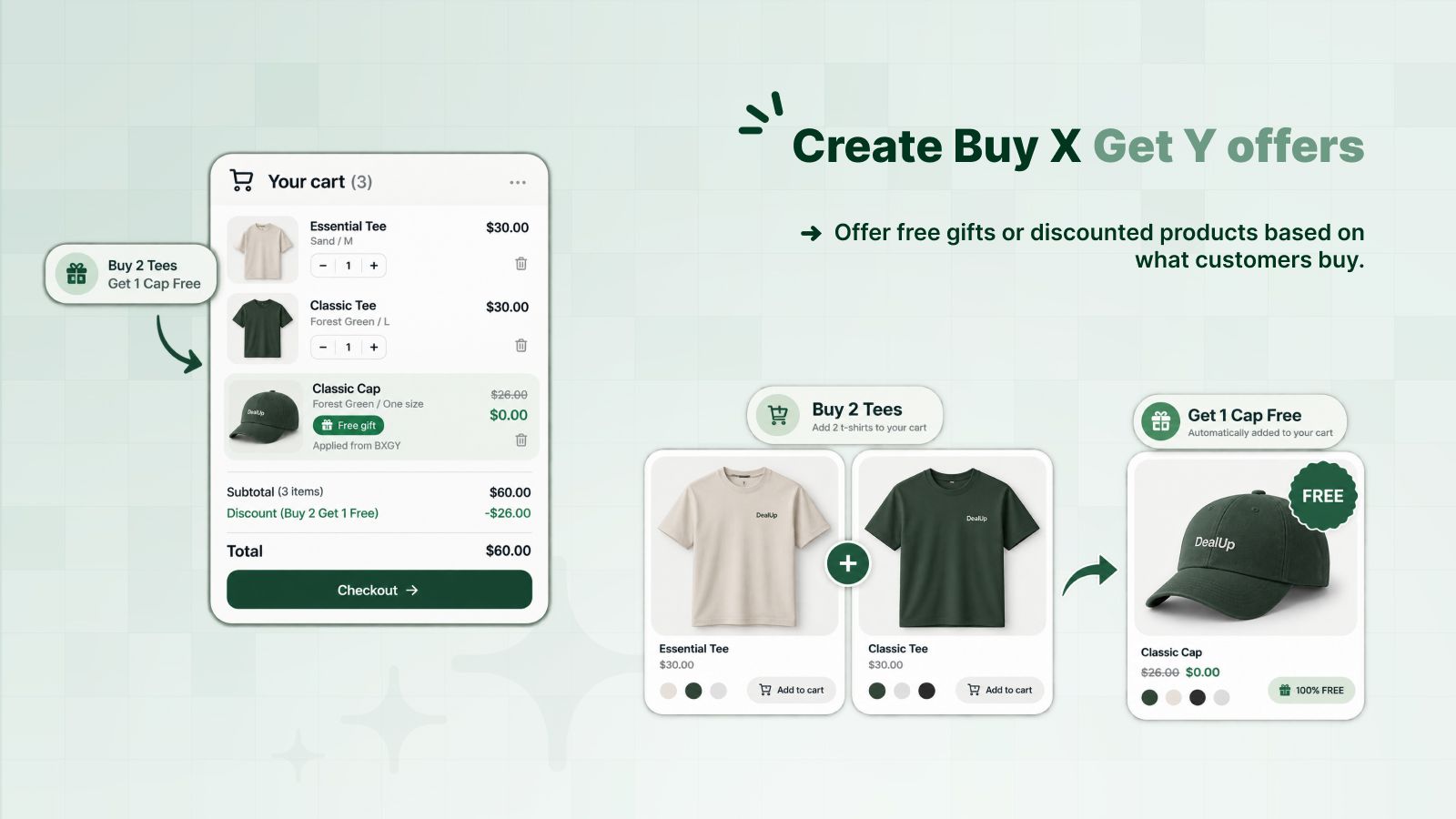
A Buy X get Y offer rewards one product when the customer buys another: buy 2 T-shirts, get a cap free. DealUp checks the cart for the items bought and discounts the reward item, in the cart and at checkout.
| Essential TeeCustomer buys | $30.00 |
|---|---|
| Classic TeeCustomer buys | $30.00 |
| Classic CapCustomer gets · free | $25.00 |
| Discount (Buy 2 tees, get a cap free) | −$25.00 |
| Total | $60.00 |
The customer adds the cap to the cart, then the discount applies. Say it in the offer label: “Add a cap, it's on us”.
Set it up in three steps
Choose what the customer buys
Products, collections or variants, and how many of them.
Choose what they get
The reward item and its discount: free, a percentage off, or a fixed amount off.
Turn it on
Automatic or behind a code. The offer name shows on the reward item in the cart and at checkout.
What you can adjust
Questions merchants ask
How do I set up BOGO on Shopify?
Create a Buy X get Y discount in DealUp, put the same products under “Customer buys” and “Customer gets”, and set the reward to free for buy one get one free, or 50% for buy one get one half price.
Is the free item added to the cart automatically?
No. The customer adds it, and the discount applies as soon as it is in the cart. Mention the gift in the offer label so customers know to add it.
Can I combine Buy X get Y with other discounts?
Yes. You choose which product, order and shipping discounts it combines with, like any Shopify discount.
Try it on your store
Free plan for small stores. Paid plans from $2.99 a month, with a 3-day trial.
Install free on Shopify